Managing Cloud Provider Accounts
Before creating a cluster on the pgEdge Cloud Enterprise Edition console, you must create an account with a cloud provider and link that account with your pgEdge Cloud account.
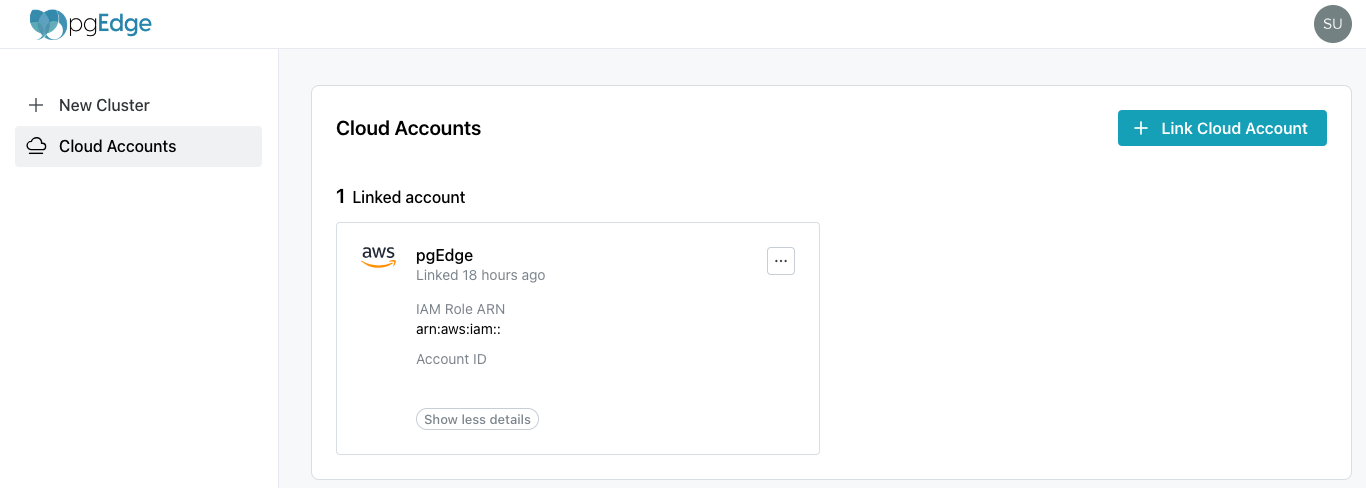
Use options accessed from the Cloud Accounts page to manage the accounts used to provision databases with pgEdge Cloud; to get started, select the + Link Cloud Account button to link an account with pgEdge Cloud.
Then, visit the vendor-specific page for information about linking an account with:
After linking a cloud account, the account is displayed on a Linked account pane. Use the Show more details button to display vendor-specific details about the provider account.
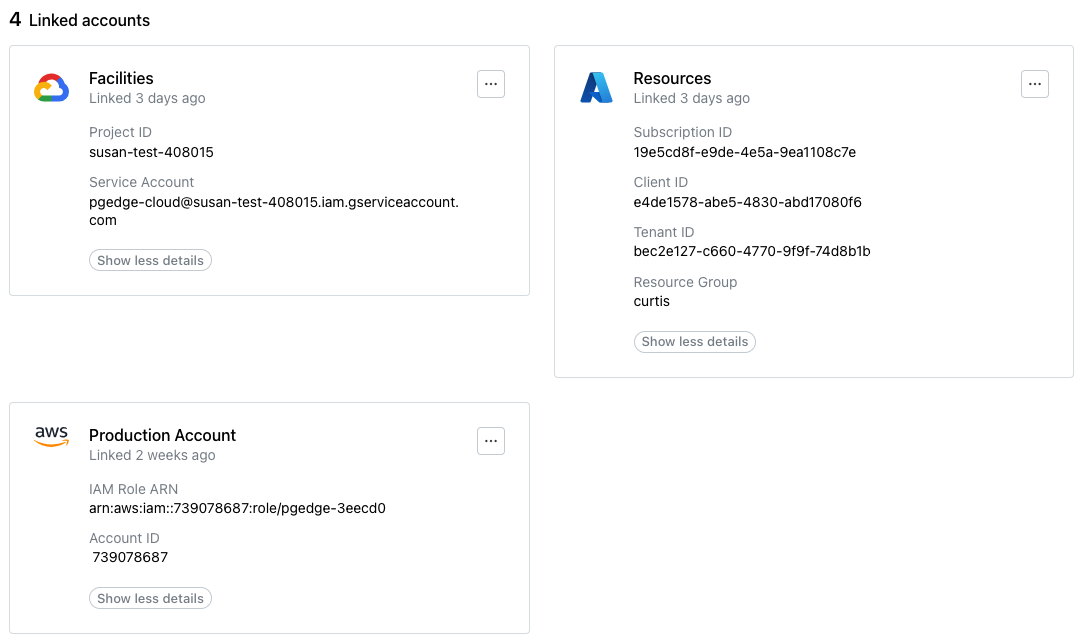
Use the menu icon (...) in the upper-right corner of an account pane to access the account management options and delete an account.
Deleting an Account Link
Before deleting a linked account, ensure that any resources deployed with pgEdge Cloud have been backed up to your satisfaction and destroyed. Then, to delete the link to a cloud vendor account, select the menu icon (...) in the top-right corner of the pane of a linked account.
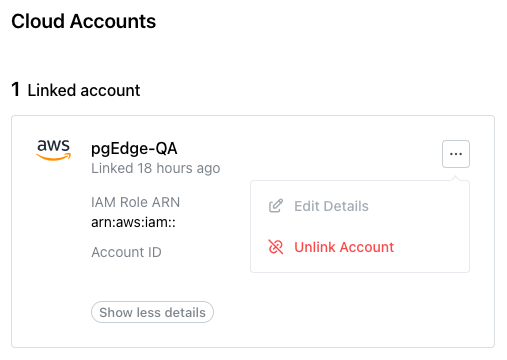
When the menu opens, select Unlink Account.
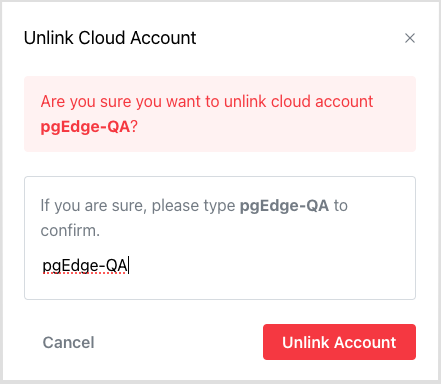
To confirm that you wish to unlink the account, enter the account name in the Unlink Cloud Account popup, and press Unlink Account.