Deleting a Database
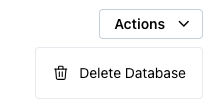
To delete a database, highlight the name of the database you wish to delete in the tree control. Open the Actions drop-down in the upper-right corner, and select Delete Database from the context menu.
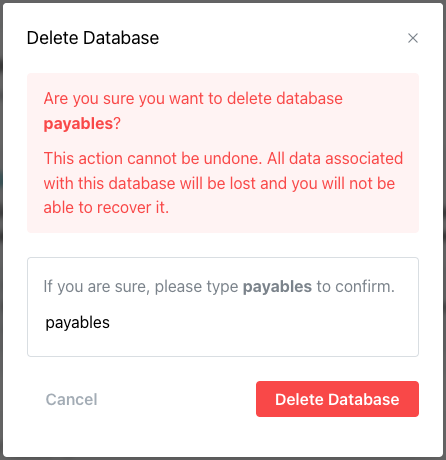
When prompted, enter the database name in the popup window to confirm the deletion, and select the Delete Database button.