Deleting a Cluster
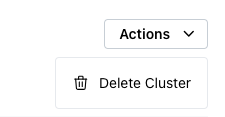
To delete a PostgreSQL cluster provisioned by pgEdge Cloud, select the cluster name in the navigation tree control to open the cluster information page. Select the Actions drop-down in the upper-right corner of the page, and choose Delete Cluster.
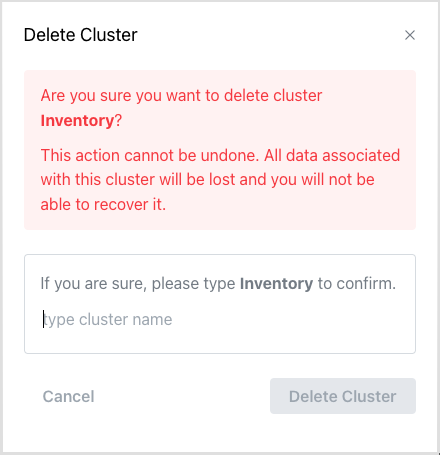
The Delete Cluster popup opens, prompting you to confirm that you wish to delete the cluster. To confirm, enter the cluster name and press Delete Cluster.