Creating a New Database
To create a new database, select the Databases node in the navigation tree control; then, select the + New Database icon located in the upper-right corner of the page.
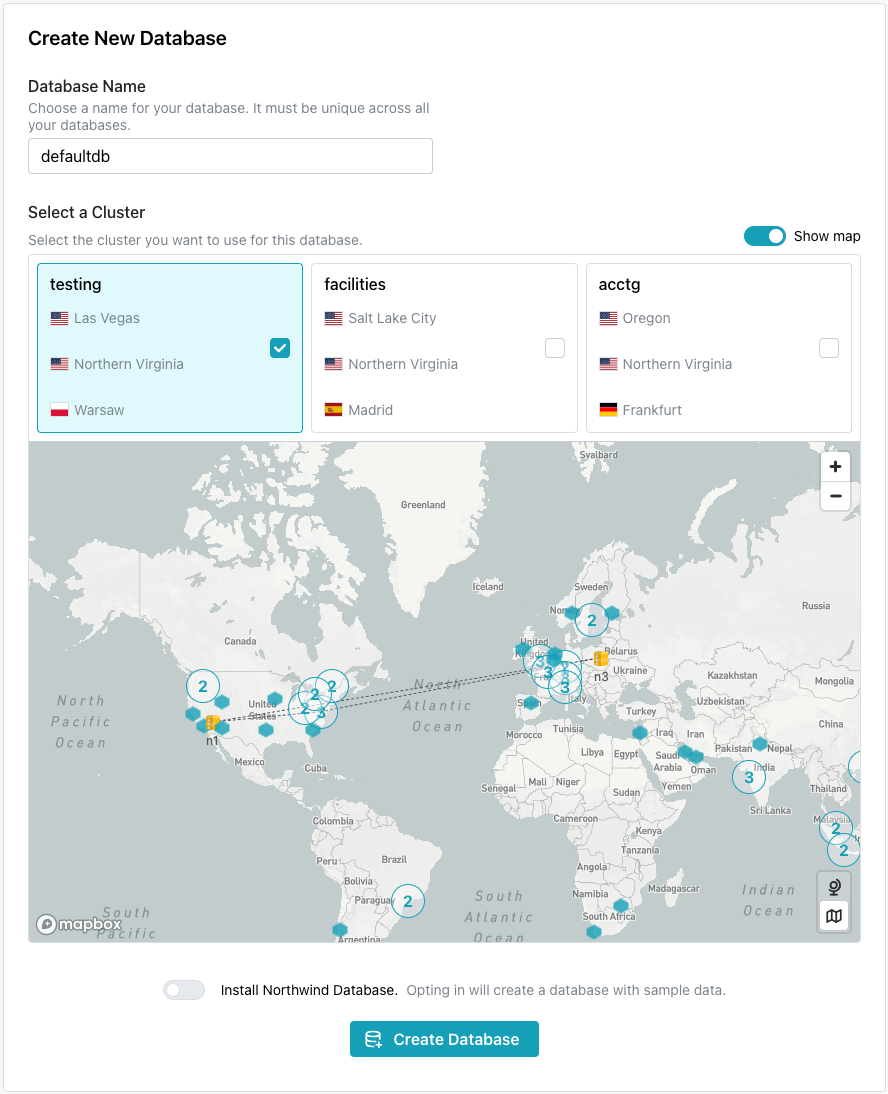
When the Create New Database dialog opens:
-
Provide a name for the database in the
Database Namefield. -
Select the cluster you would like to use for your new database from the options shown under
Select a Cluster.-
If you are a pgEdge Enterprise Edition user, the dialog displays your clusters and their deployment regions. Check the box in a cluster pane to deploy on that cluster.
-
If you are a pgEdge Developer Edition user, you can choose from three cluster configurations for testing and experimentation:
US - Europeoffers an East Coast/West Coast US configuration with one server in Frankfurt.USoffers an East Coast/Midwest/West Coast configuration.Globaloffers servers on the West Coast, in Frankfurt, and Singapore.
-
Use the toggle button next to Install Northwind Database to install the Northwind sample database and schema objects.
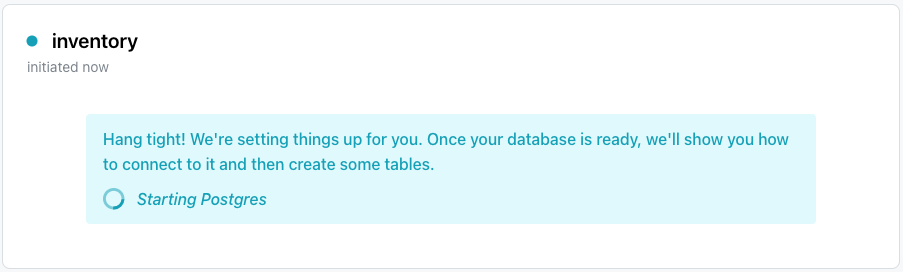
When you've made your selections, click Create Database to initialize a PostgreSQL database and start replicating data between the nodes in the cluster. Your new database is added to the list of databases in the left pane of the console; a green dot to the left of the name indicates that the database is available for connections.